
Three months ago, one of my clients called me with a question I’ve been getting a lot lately.
“Hari — our Microsoft 365 just updated and now everyone has this Copilot thing. Should we be using it?”
It’s a good question. And the honest answer is: it depends entirely on whether your IT environment is set up to handle it safely.
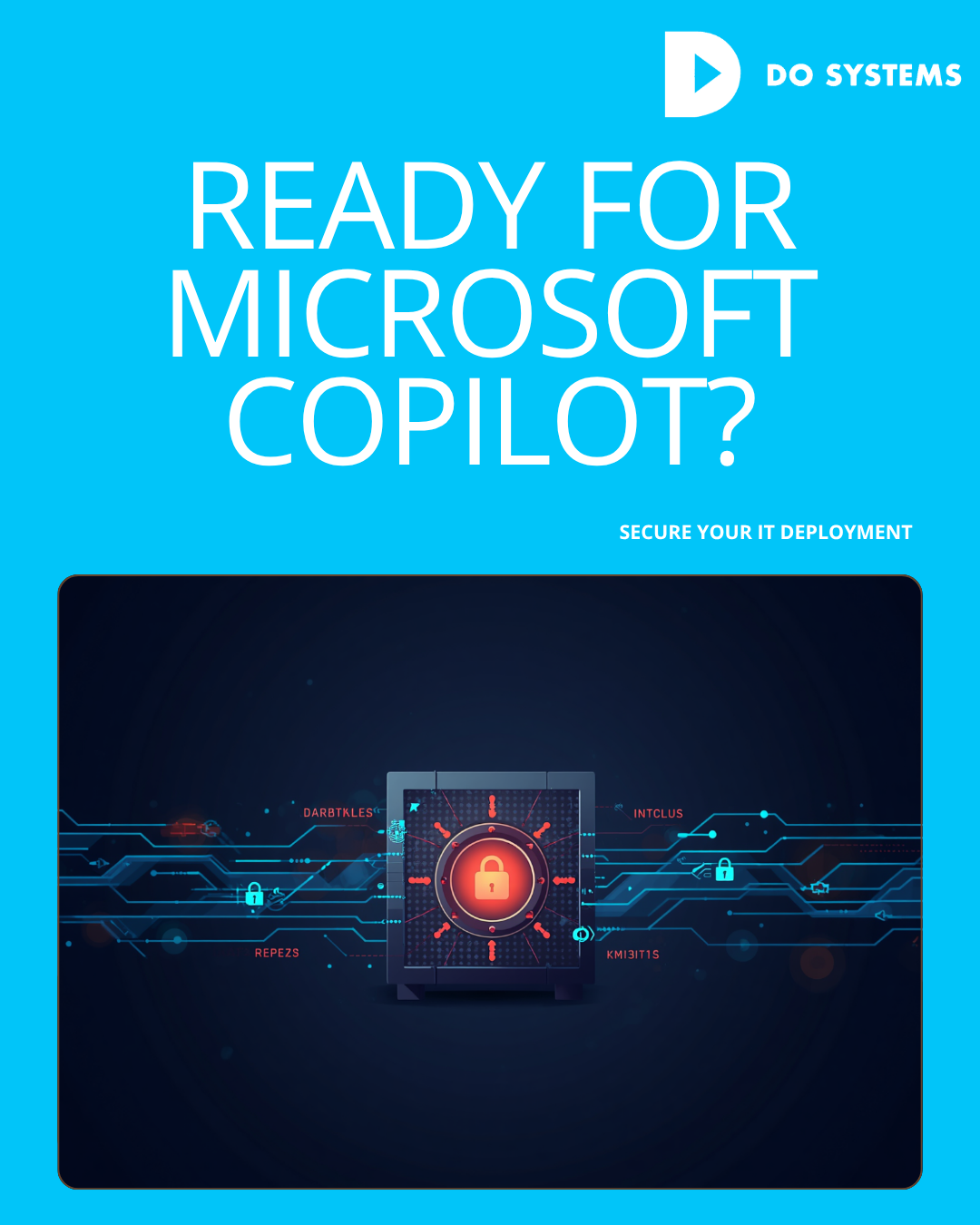
Because Microsoft Copilot isn’t just a productivity tool. It’s an AI that sits on top of your entire Microsoft 365 environment — your emails, your SharePoint files, your Teams conversations, your OneDrive documents — and makes all of it searchable, summarisable, and actionable through natural language. That’s genuinely powerful. It’s also genuinely risky if your permissions haven’t been set up correctly.
What Copilot Actually Does
Most business owners I talk to have a vague sense of Copilot as “ChatGPT but for Office.” That’s not wrong, but it undersells both the capability and the risk.
Copilot in Microsoft 365 can draft emails based on your previous communications, summarise long Teams meetings in seconds, pull data from across your SharePoint to answer questions, generate first drafts of documents using your existing files as context, and analyse spreadsheets and surface insights without a formula in sight.
Used well, it genuinely reduces the time teams spend on repetitive knowledge work. We’ve seen clients recover hours per person per week — drafting, summarising, finding information that used to require hunting through folders.
But here’s the part that keeps me busy: Copilot can only access what the person using it has permission to access. Which means every permission configuration problem in your Microsoft 365 environment — and almost every business has some — becomes a Copilot problem.
The Permissions Problem
Over the years, most businesses accumulate what I call permission drift. A SharePoint site that was meant for one team ends up accessible to the whole company. A document library that contains sensitive HR or financial information has broader access than anyone realised. A folder shared “temporarily” two years ago is still shared.
In a traditional environment, this is a background risk. People could technically access files they shouldn’t, but most wouldn’t know to look for them.
With Copilot, the barrier disappears. If a staff member asks Copilot “what are the salary bands for our team?” and that information exists somewhere in a file they technically have access to — Copilot will find it and tell them.
This has already caused real problems in businesses that deployed Copilot without doing a permissions audit first. Confidential information surfacing unexpectedly. Sensitive documents appearing in Copilot-generated summaries. HR data accessible to people who had no idea it was ever within reach. The fix isn’t complicated, but it requires someone to actually do it. Before enabling Copilot broadly, you need a full audit of your Microsoft 365 permissions — who has access to what, which sites and libraries are over-shared, and what data needs to be locked down before an AI starts indexing it.
Getting the ROI Right
Beyond the security side, there’s a straightforward productivity question: how do you actually get value from Copilot rather than just having it available?
This is where a lot of businesses stumble. Copilot gets enabled. A few people use it enthusiastically. Most don’t change their behaviour at all. The licence cost shows up on the monthly bill and nobody’s quite sure if it’s worth it.
Getting real ROI from Copilot requires a few things. First, identifying the specific use cases that will save the most time for your team — these vary by business and role. Second, running structured sessions to show people how to use it effectively, because the quality of Copilot’s output is directly related to how well people can articulate what they want. Third, tracking the time savings so you have a clear picture of what you’re getting back. We’ve been helping clients through this process since Copilot started rolling out broadly, and the difference between a structured deployment and an unmanaged one is significant — both in how much value people get and how much risk they’re inadvertently carrying.
What to Ask Your IT Provider
If Copilot is live in your environment — or is about to be — there are three questions worth asking your IT provider directly.
Have we done a Microsoft 365 permissions audit in the last twelve months? Has Copilot been configured with data governance in mind, or just switched on? And is there a plan for training and adoption, or is it being left to individuals to figure out?
If the answers aren’t reassuring, that’s the conversation to have. Copilot is genuinely useful. Deployed carelessly, it’s also genuinely problematic. The businesses getting the most from it right now are the ones whose IT foundation was already clean. If yours isn’t, that’s the place to start.


Comments are closed