I had a coffee meeting last month with a business owner who’d just come back from an industry conference. He was energised. Excited. Slightly overwhelmed.
“Everyone is talking about AI,” he said. “I feel like if I don’t do something about it in the next six months, I’m going to be left behind.”
I asked him what he was thinking of doing.
He listed about eleven things. AI customer service. AI sales outreach. AI content. AI operations. AI HR. “And I read somewhere about AI for inventory forecasting,” he added, “but I’m not sure if we’re big enough for that.”
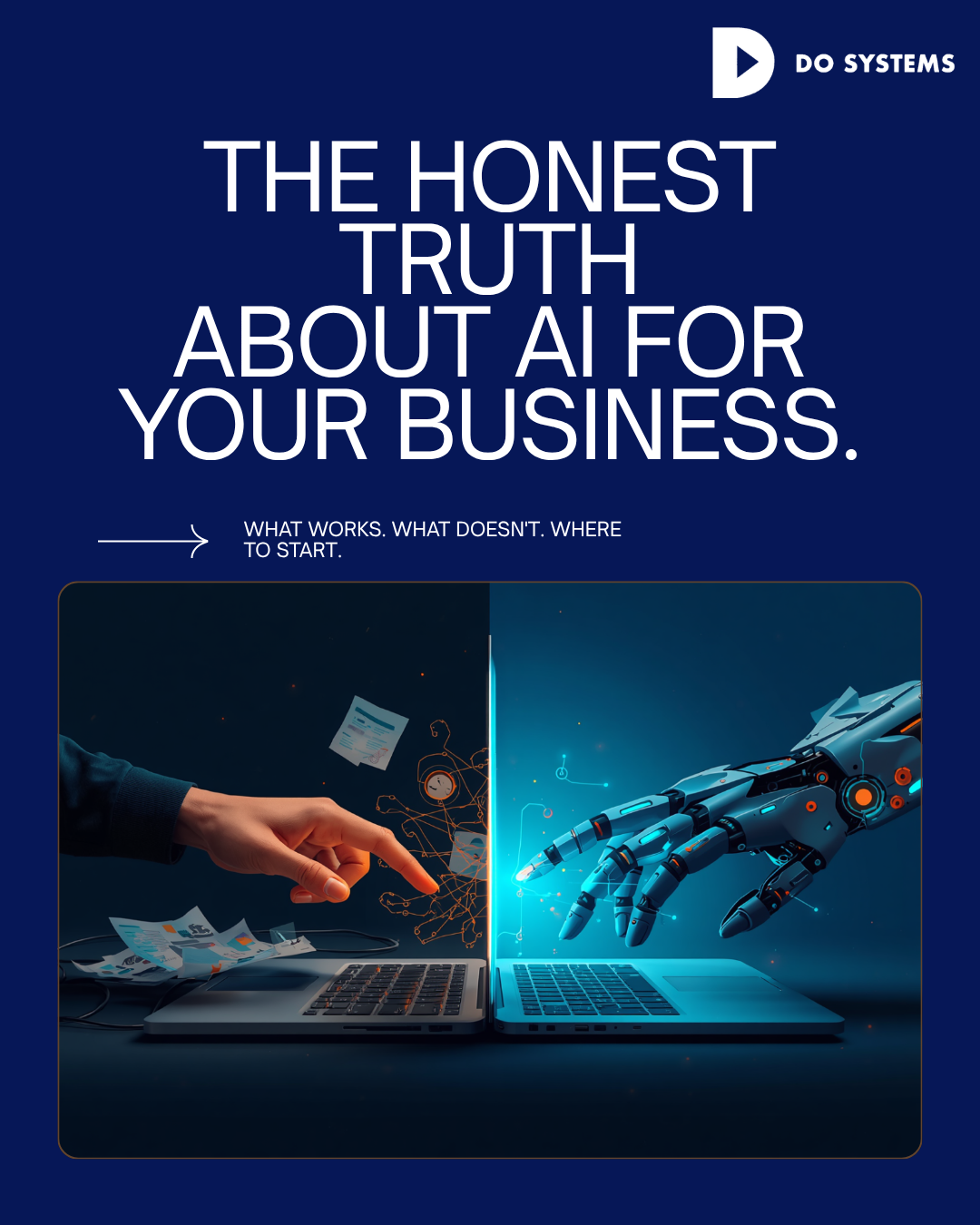
Here’s what I told him: the fear of being left behind by AI is real and legitimate. But the way most small businesses respond to that fear — by trying to implement everything at once — almost always ends in wasted money, frustrated teams, and abandoned tools. AI is genuinely useful. It’s also genuinely overhyped. Knowing the difference is worth more than any tool you could buy.
Where AI Actually Delivers for SMBs Right Now
Let me start with what’s working, because there are real wins available that don’t require a large budget or a dedicated AI team.
IT and infrastructure automation is where we see the most consistent returns. AI-powered monitoring, automated patch management, intelligent ticketing systems that categorise and route issues without human triage — these are mature technologies that deliver measurable outcomes. Our clients running AI-assisted IT management spend an average of 40% less time on reactive IT issues than they did before.
Customer service augmentation is another strong use case — specifically, AI handling first-response to common enquiries and routing complex issues to humans. Done well, this doesn’t make customer service feel robotic. It makes it faster. Customers get immediate acknowledgement and resolution timelines, while your team focuses on the interactions that actually need a human.
Document processing and data extraction. If your business involves a lot of invoices, contracts, forms, or reports, AI can extract, categorize, and route that information faster and more accurately than manual processing. We’ve implemented this for clients in logistics and professional services with significant time savings. Meeting summaries and action items. Tools like Copilot and similar AI assistants that integrate with your calendar and communication tools are genuinely useful for capturing and organizing what gets decided in meetings. Low risk, immediate productivity gain, easy to adopt.
Where AI Underdelivers (And Why Nobody Talks About It)
AI sales outreach is where I see the most wasted spend from small businesses right now. The pitch is compelling — automated, personalised outreach at scale. The reality is that most AI-generated outreach is detectable, and the people receiving it know it. Response rates are often lower than thoughtfully written manual outreach. The tool can send more messages. It can’t build more trust. AI-generated content published without human review is a risk. Not because AI can’t write — it can, often impressively. But because it hallucinates statistics, gets nuances wrong, and produces content that lacks the specific context and credibility that comes from real experience. Content with your name on it that contains factual errors is worse than no content at all.
AI is genuinely useful. It’s also genuinely overhyped. Knowing the difference is worth more than any tool you could buy.
Fully automated AI customer service — where AI handles interactions end to end without any human oversight — tends to fail on anything outside a narrow set of common scenarios. The 20% of interactions that don’t fit the standard pattern become a significant problem, and customer frustration compounds quickly when there’s no clear path to a human. The pattern I’ve seen is consistent: AI works well as an assistant to humans, and poorly as a replacement for them. The businesses getting the most out of AI are the ones using it to make their people faster and better informed — not to eliminate the people.
How to Think About Where to Start
When I work through AI strategy with a client, I start with a simple question: where is your team spending time on work that is high-volume, repetitive, and low-judgement?
High-volume because AI needs enough repetitions to deliver meaningful time savings. Repetitive because AI performs well when the task has consistent structure. Low-judgement because that’s where automation errors are least costly and most catchable.
IT ticketing triage is a classic example. So is invoice processing, appointment scheduling, data entry from standard forms, and first-response customer queries.
Once you’ve identified those areas, the next question is: what’s the data quality like? AI tools are only as good as the information they’re trained on or working with. Messy, inconsistent data produces messy, inconsistent outputs. Cleaning up your data and processes before implementing AI isn’t the exciting part — but it’s often the difference between a tool that works and one that doesn’t.
Start small. Implement in one area. Measure the actual impact. Learn from what works and what doesn’t. Then expand. The businesses that try to automate everything simultaneously almost always end up automating nothing properly.
The business owner from the coffee meeting, by the way, ended up starting with two things: AI-assisted IT monitoring through DoSystems, and an AI tool integrated into his customer service inbox. Six months in, his team is spending significantly less time on reactive IT, and first-response times to customer enquiries dropped from four hours to eleven minutes. He’s planning the next phase now. Not panicking. Planning.
Want an honest assessment of where AI can actually help your business? Visit www.dosystemsinc.com

Comments are closed