
The most common automation mistake is not choosing the wrong technology. It is choosing the wrong process to automate first.
McKinsey’s 2025 State of AI survey found that 88% of organisations now use AI in at least one business function, up from 78% the previous year. But only about one-third have started scaling AI across the enterprise. The gap between that first use case and enterprise-scale deployment is almost always a process selection problem, not a technology problem.
Choosing a first automation target based on strategic importance rather than automation suitability creates a predictable failure pattern: a complex, high-visibility process gets selected, the AI struggles with edge cases, the project stalls, and leadership concludes that AI automation does not work. The process was the problem, not the AI.
This guide gives you a practical framework for identifying which processes to automate first — and which to leave for later.
The Four-Criteria Scoring Framework
Score each candidate process against these four criteria on a 1-3 scale. The highest-scoring processes are your best first automation candidates.
- Volume (1=low, 3=high): How many times per week does this process run? High-volume processes deliver faster payback and more training data for the AI to improve. A process that runs 500 times per week is a better first candidate than one that runs 10 times, even if the lower-volume process seems more strategic.
- Rule-density (1=judgement-heavy, 3=rule-based): How consistently does the same input produce the same output? A process where experienced employees routinely make different decisions on similar inputs is not yet ready for automation. A process where the rules are documented and consistently followed scores highest.
- Data availability (1=poor, 3=clean and structured): AI workflow automation requires data to operate on. Processes with clean, structured, accessible data automate faster and more reliably. An accounts payable process where all invoices arrive in a consistent format scores higher than one where invoices arrive in 15 different formats via email.
- Business impact (1=low, 3=high): What is the cost of the current process in labour hours, error rate, or delay? High-impact processes justify the investment and make the ROI case to leadership. Use fully-loaded cost per transaction as your calculation base.
The Processes That Score Consistently High
Across SMB operations, five process types consistently score highest against the four-criteria framework.
Invoice processing and accounts payable. High volume, rule-based matching logic, structured data in most ERP systems, and a clear cost-per-transaction baseline. Forrester’s Total Economic Impact study documented a 248% three-year ROI for organisations deploying workflow automation platforms on finance processes. AP is typically the fastest-payback entry point.
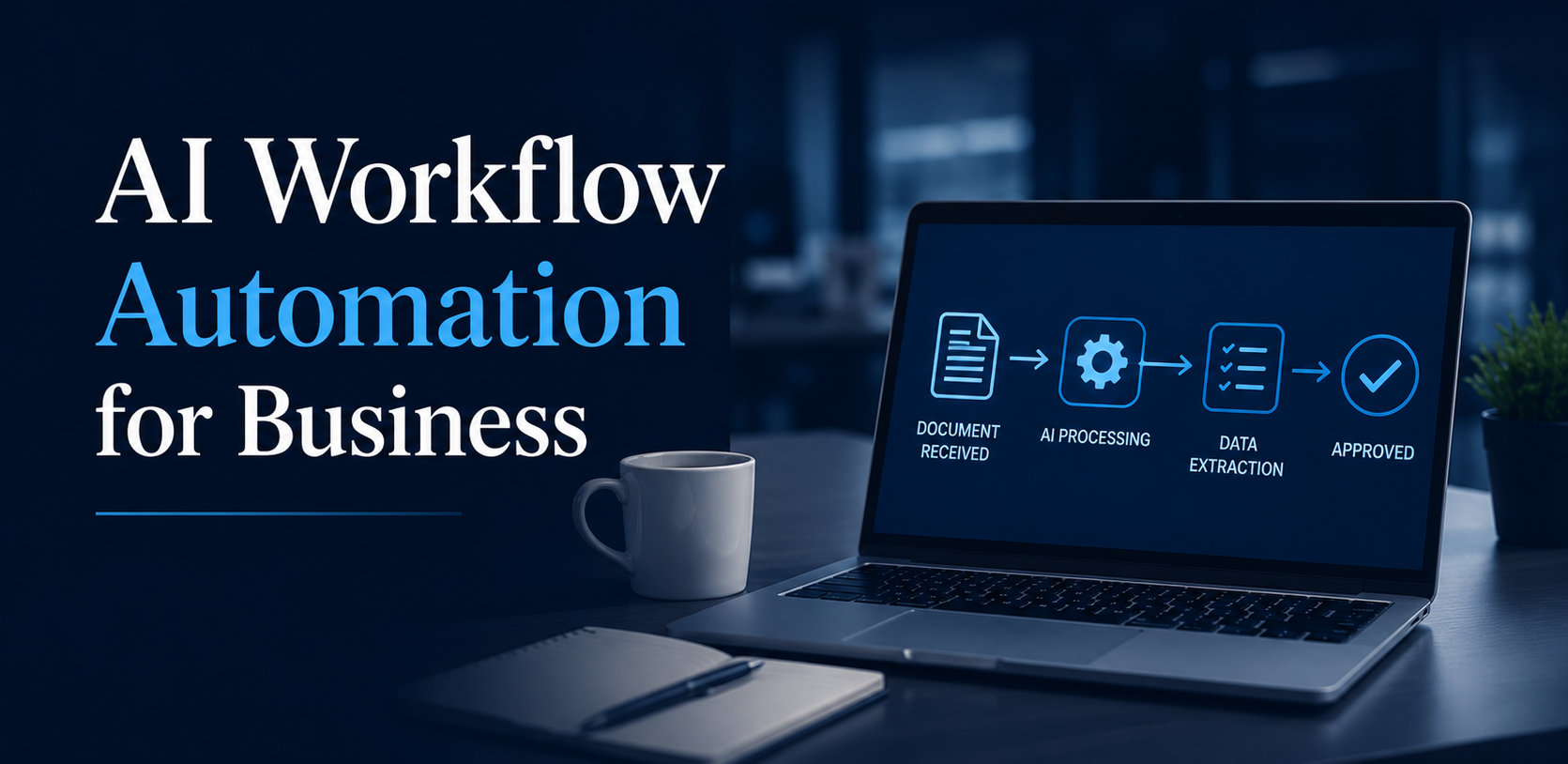
Customer onboarding document collection and verification. The process of collecting, verifying, and routing onboarding documents is high-volume and currently manual in most SMBs. AI handles document classification, data extraction, completeness checking, and routing — reducing onboarding time and error rate simultaneously.
IT service desk tier-1 ticket resolution. Password resets, access requests, standard troubleshooting flows, and known-issue routing represent a predictable percentage of IT helpdesk volume. These queries follow defined resolution paths and are among the highest-volume, most rule-consistent processes in most organisations.
HR onboarding and offboarding workflows. The sequence of tasks involved in onboarding a new employee — account creation, equipment provisioning, policy acknowledgement, training assignment — is highly rule-based and sequence-dependent. AI orchestration reduces missed steps and cycle time.
Sales proposal and quote generation for standard configurations. Where product or service configurations follow defined rules (standard tiers, pricing matrices, discount approval workflows), AI can draft proposals, apply pricing rules, and route for approval — reducing time from qualified opportunity to proposal from days to hours.
What AI Workflow Automation Cannot Do
AI workflow automation cannot handle genuinely novel situations. Processes where exceptions are frequent and require experienced human judgement are not automation-ready. The automation will either handle exceptions incorrectly or escalate too frequently to deliver value.
It cannot compensate for poor data quality. If the process relies on data that is incomplete, inconsistently formatted, or scattered across disconnected systems, the automation will surface the data problems rather than solve the process problems. A data quality assessment before automation scoping is not optional.
It cannot operate without defined rules. If your current process is defined by ‘it depends on who you ask,’ automation will not create consistency — it will automate inconsistency. Process standardisation must come before automation.
McKinsey’s research projects that 40% of enterprise applications will integrate AI agents by the end of 2026, up from less than 5% in 2025. The speed of adoption makes process selection even more important — organisations that automate the right processes first build the data, confidence, and organisational capability to scale. Those that start with the wrong processes often stall.
How to Build the Business Case
The business case for AI workflow automation should be built from current-state cost measurement, not vendor ROI benchmarks.
Measure your baseline before you start: the current time per transaction, the current error rate, the fully-loaded cost per transaction (including re-work), and the volume per week or month. These four numbers give you the denominator of your ROI calculation.
Set conservative improvement targets for your first deployment: 50-70% reduction in processing time is achievable for well-selected processes. Use that as your projection baseline. If the vendor’s reference customers are achieving significantly higher, treat it as upside, not the plan.
Include integration costs in your business case. The most common underestimation in automation projects is the cost and time of connecting the automation to existing systems. A realistic integration estimate requires a technical assessment of your current systems before the business case is finalised.
Frequently Asked Questions
What is the difference between RPA and AI workflow automation?
Robotic Process Automation (RPA) automates rule-based tasks by mimicking UI actions across existing interfaces. AI workflow automation goes further by understanding unstructured inputs (documents, emails, natural language) and making decisions based on learned patterns. Most modern AI workflow platforms combine both: RPA for UI-level automation and AI for document understanding and decision logic.
How long does AI workflow automation take to implement?
Simple, single-process automations on cloud platforms can be live in 4-8 weeks. More complex deployments involving multiple processes or significant ERP integration typically take 3-6 months. The primary variable is integration complexity — how many source systems the automation needs to connect to.
What ROI should I expect from AI workflow automation?
Forrester’s research documents a 248% three-year ROI for enterprise workflow automation platforms. For SMBs, ROI is typically delivered through reduced labour hours, lower error and rework costs, and faster cycle times. Payback periods of 6-18 months are typical for well-selected first deployments.
Do I need a technical team to run AI workflow automation?
Most modern cloud-based automation platforms are designed for business user configuration, not developer coding. The initial implementation typically requires technical support for system integration. Ongoing maintenance can usually be managed by a business user with appropriate training.
DoSystems Inc specialises in AI workflow automation implementation for SMBs — from process assessment and use case prioritisation through to vendor selection, integration, and go-live. Start with a process readiness assessment at DoSystemsInc.com.
The average enterprise IT operations team receives thousands of alerts per day. Studies consistently find that 50-70% of those alerts are duplicates, noise, or related to the same underlying incident. The team spends significant time triaging alerts rather than resolving the problems that generate them.
AIOps Artificial Intelligence for IT Operations addresses this at the data layer, not the headcount layer. Rather than adding staff to process more alerts, AIOps applies machine learning to correlate events, suppress duplicates, identify root cause patterns, and surface signal from noise.
Gartner’s April 2026 analysis found that 80% of CEOs say AI will force operational capability overhauls in their organisations. In IT operations specifically, Gartner projects 70% of enterprises will deploy agentic AI for IT infrastructure operations by 2029, up from less than 5% today.
This guide explains what AIOps actually does operationally, where it delivers clear value, what you need in place before it works, and how to evaluate vendors without being misled by feature lists.
The Operational Problems AIOps Solves
AIOps is most valuable in three specific operational contexts. If your team does not have these problems, AIOps is not yet the right investment.
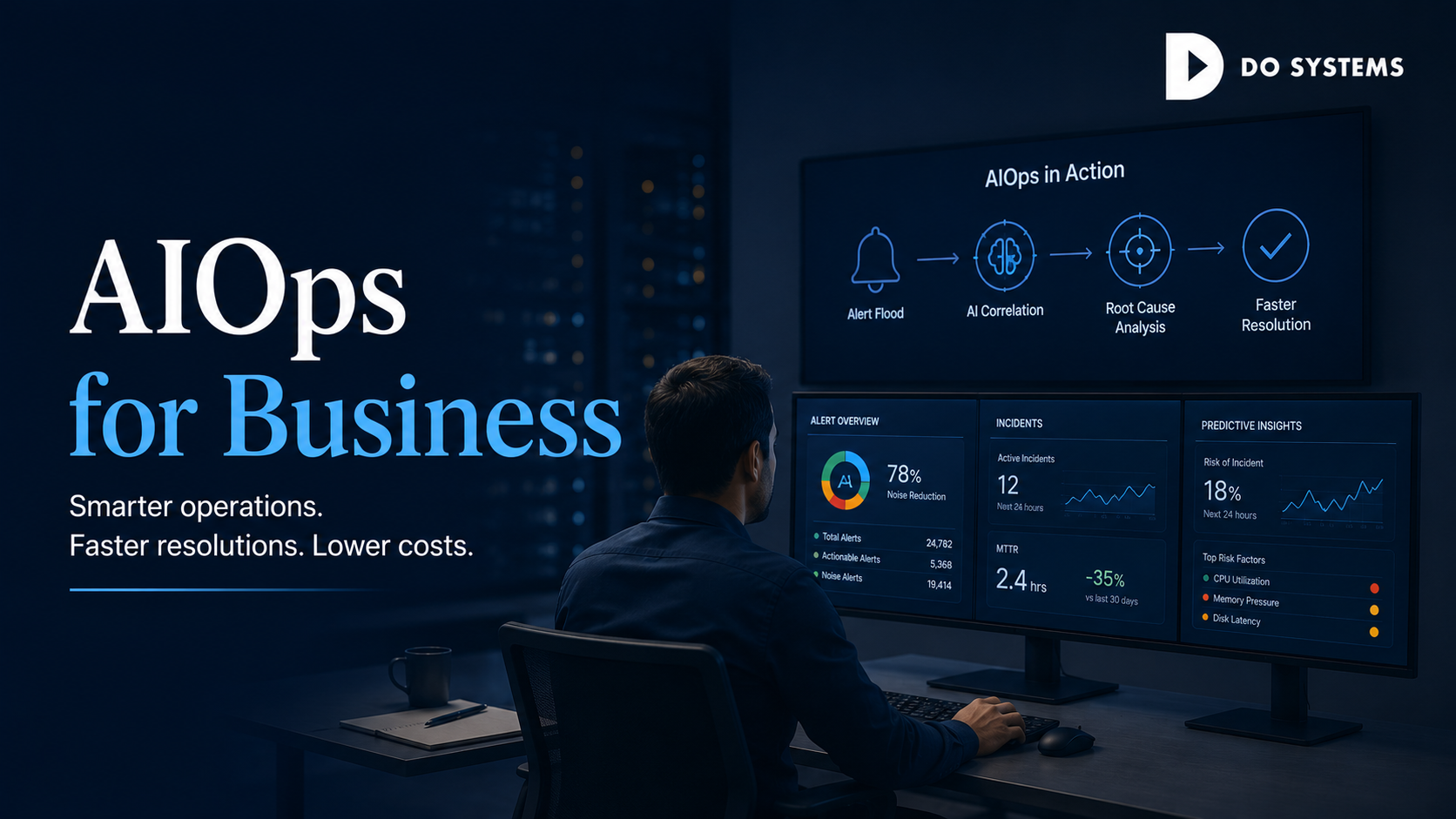
Alert fatigue at scale. When monitoring generates more alerts than the team can meaningfully review, important signals get missed in the noise. AIOps uses event correlation and pattern recognition to group related alerts, suppress known noise patterns, and surface alerts that require human attention. Organisations that implement alert correlation consistently report 50-80% reductions in actionable alert volume.
Slow mean time to resolution (MTTR). When incidents take hours to diagnose because root cause requires correlating events across multiple systems, AIOps reduces diagnostic time significantly. By analysing historical incident data and current event patterns, AIOps surfaces probable root causes alongside the incident.
Reactive rather than predictive operations. Traditional monitoring tells you when something has already failed. AIOps can identify patterns that historically precede failures — CPU utilisation trajectories, memory leak patterns, network latency trends — and alert before service impact occurs. This shift from reactive to predictive is the highest-value AIOps outcome, but it requires the most data history to achieve.
Four Core AIOps Use Cases
Event correlation and noise reduction. The most widely adopted AIOps capability. ML models learn which alert patterns are meaningful, which are duplicates, and which are correlated — grouping related alerts into single incidents and suppressing low-signal noise. This is the fastest-payback AIOps use case for most IT teams.
Anomaly detection and capacity management. AIOps continuously monitors performance metrics against learned baselines and flags deviations. This is particularly valuable for capacity planning — identifying infrastructure components approaching limits before they create performance degradation.
Automated root cause analysis. When an incident occurs, AIOps analyses the event timeline, service dependencies, and historical resolution patterns to suggest probable root causes. It does not replace experienced engineers — it gives them a starting hypothesis that accelerates diagnosis.
Change impact analysis. AIOps analyses the relationship between infrastructure changes (deployments, patches, configuration changes) and subsequent incidents — surfacing which changes are most correlated with instability. Particularly valuable for organisations with frequent release cycles.
What You Need Before AIOps Works
AIOps platforms require infrastructure data maturity that many SMBs underestimate. Three prerequisites determine whether an AIOps implementation delivers value or becomes a data quality project.
Centralised, consistent monitoring data. AIOps needs event data from across your infrastructure in a single accessible stream. If your monitoring is fragmented — different tools for network, servers, applications, cloud — with no centralised event store, AIOps has nothing consistent to analyse. Infrastructure monitoring consolidation typically precedes successful AIOps deployment.
Sufficient historical incident data. AIOps platforms typically require 6-12 months of historical incident and event data to build reliable correlation and root cause models. Deploying AIOps on a system with limited history produces generic results until sufficient data accumulates.
A Gartner survey of I&O leaders (May through July 2025) found that 54% are adopting AI to cut costs, but 50% cite budget constraints and 48% cite integration difficulties as their primary challenges. Both obstacles are most acute when monitoring and data foundations are not yet in place before AIOps deployment begins.
Process documentation for known incident patterns. AIOps learns fastest when human knowledge about known incident patterns, resolution procedures, and false-positive rules is codified at the start. Organisations that document their top 20 incident types before deployment see faster time-to-value than those that rely entirely on the ML model to learn from scratch.
How to Evaluate AIOps Vendors
What monitoring sources do you natively integrate with, and what are the integration requirements for our stack? Native integration with your current tools significantly reduces deployment time and complexity.
How does your event correlation model work — is it rule-based, ML-based, or hybrid? Rule-based correlation is faster to deploy but less adaptive. ML-based requires more data but improves over time. Understanding the model type tells you what to expect in the first 90 days versus 12 months.
What does your alert volume reduction look like for customers with an event volume similar to ours? Request documented metrics from reference customers with comparable infrastructure complexity — not headline numbers from the vendor’s top-performing deployments.
How is root cause suggestion validated, and how do engineers provide feedback to improve it? The feedback loop between engineer-confirmed root cause and the model’s suggestion is the primary mechanism by which AIOps improves.
What are the data retention and sovereignty requirements for our event data? AIOps platforms process infrastructure event data at high volume. Data residency, retention period, and security classification are procurement considerations that should be confirmed before contract.
Frequently Asked Questions
Is AIOps only for large enterprises?
AIOps originated in large enterprise environments, but cloud-native platforms now offer SMB-tier pricing appropriate for teams managing hundreds rather than thousands of infrastructure components. The key threshold is not size — it is alert volume. If your team is spending meaningful time on alert triage rather than incident resolution, AIOps delivers value regardless of company size.
How is AIOps different from traditional IT monitoring?
Traditional monitoring generates alerts when thresholds are breached — it detects that something is wrong. AIOps adds a layer of intelligence: correlating which alerts are related, identifying probable root causes, predicting problems before they cause alerts, and learning which patterns are meaningful signals versus noise.
How long does AIOps take to show results?
Event correlation and noise reduction typically shows results within 30-60 days of deployment. Root cause analysis and anomaly detection improve more gradually, typically reaching reliable performance after 3-6 months of operational data. Predictive failure detection requires the most history and typically matures over 6-12 months.
What is the cost of AIOps for an SMB?
Cloud-based AIOps platforms for SMB environments typically range from $1,000-$5,000 per month depending on monitored nodes, event volume, and integration complexity. Some observability and ITSM platforms include AIOps capabilities in broader platform subscriptions.
Comments are closed